Click through EdgeQuake
Every chapter is one screen, written in plain English. Screenshots come from the product UI (v0.36.0). Counts in the pictures are from the day they were taken — your install will show your own numbers.
Prefer a live stack? Open the public demo or see how to run locally. Command-line recipes live in docs tutorials.
Document — a file you add, such as a PDF.
Entity — a thing pulled from that file: a person, company, product, place, or idea.
Relationship — a line between two entities.
Knowledge graph — the map of those entities and lines (sidebar: Knowledge Graph).
Workspace — one collection of documents and its map.
- 011. What this isWhat the product is for, before you click anything.
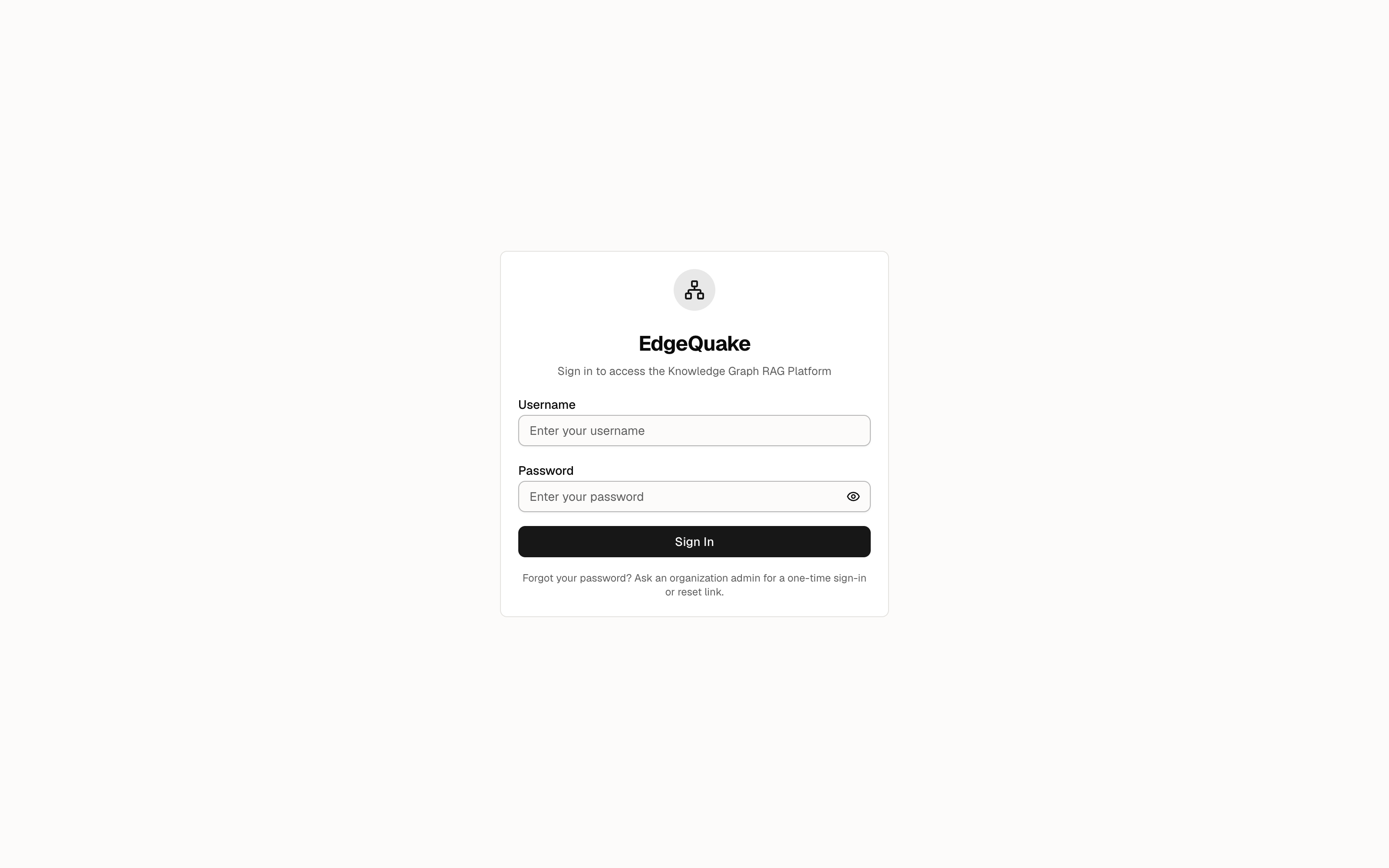 2. Sign in and getting aroundThe sign-in card, the sidebar, and the organization switcher.
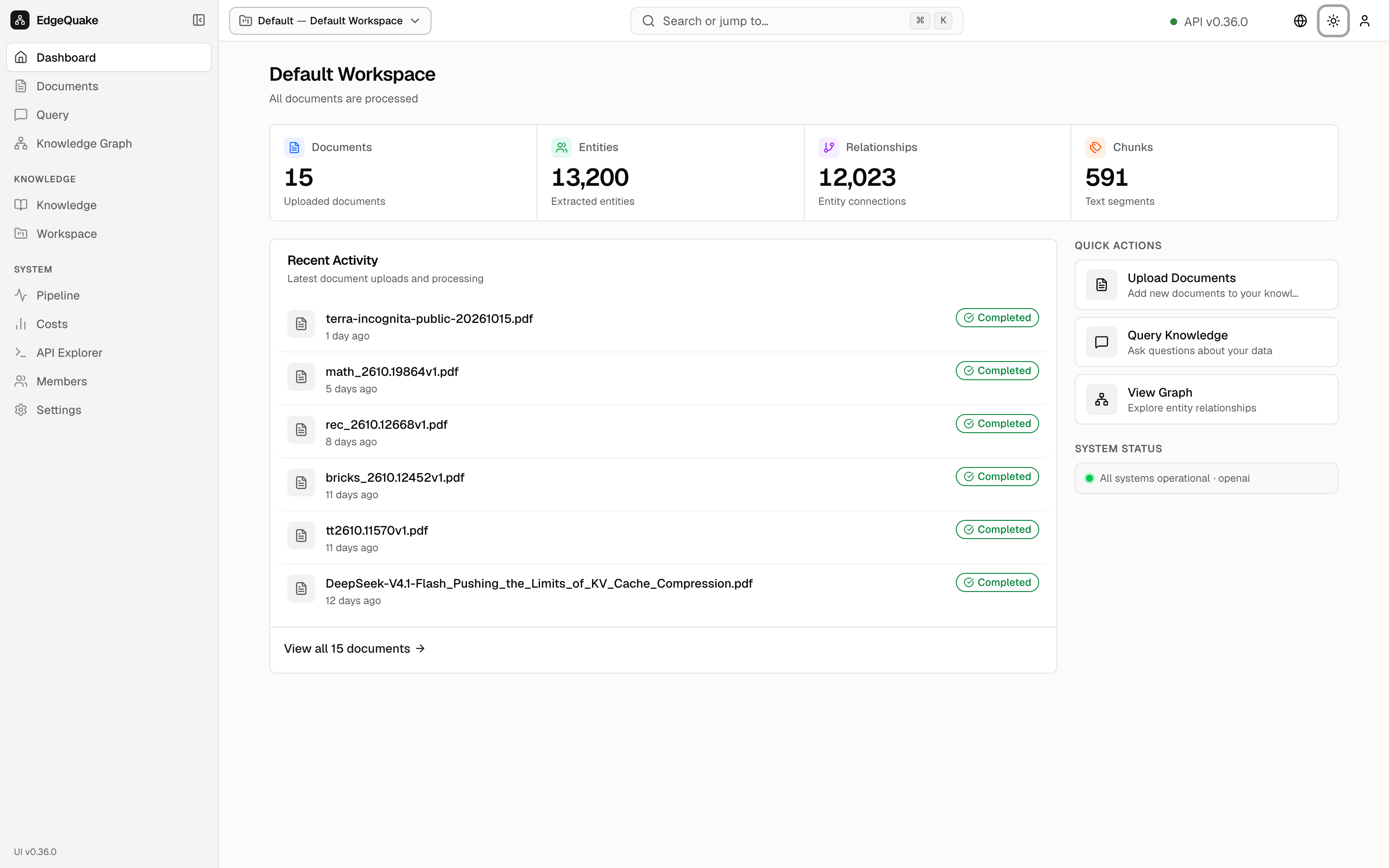 3. DashboardHome counts and the three shortcuts.
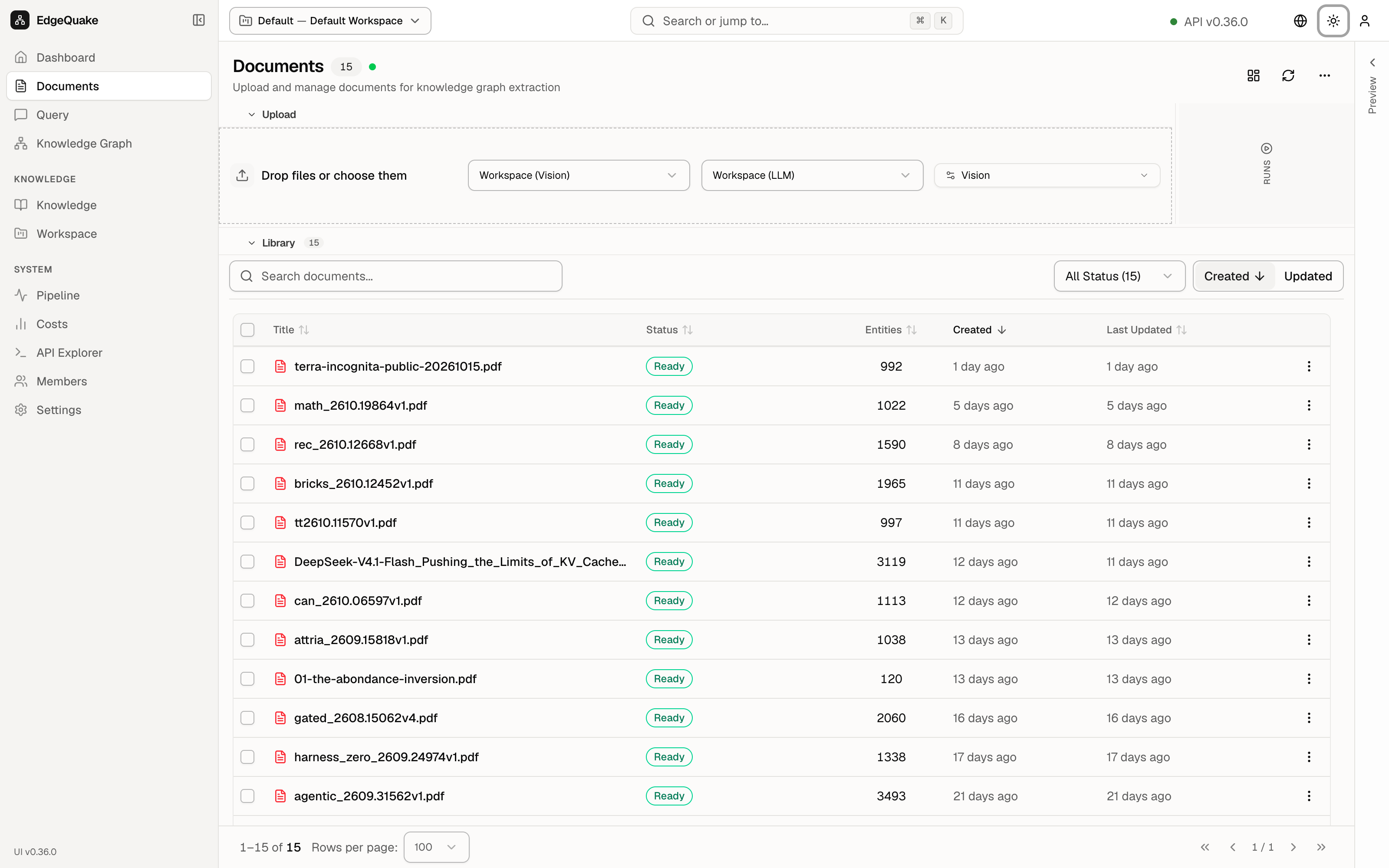 4. DocumentsThe file list and the drop zone.
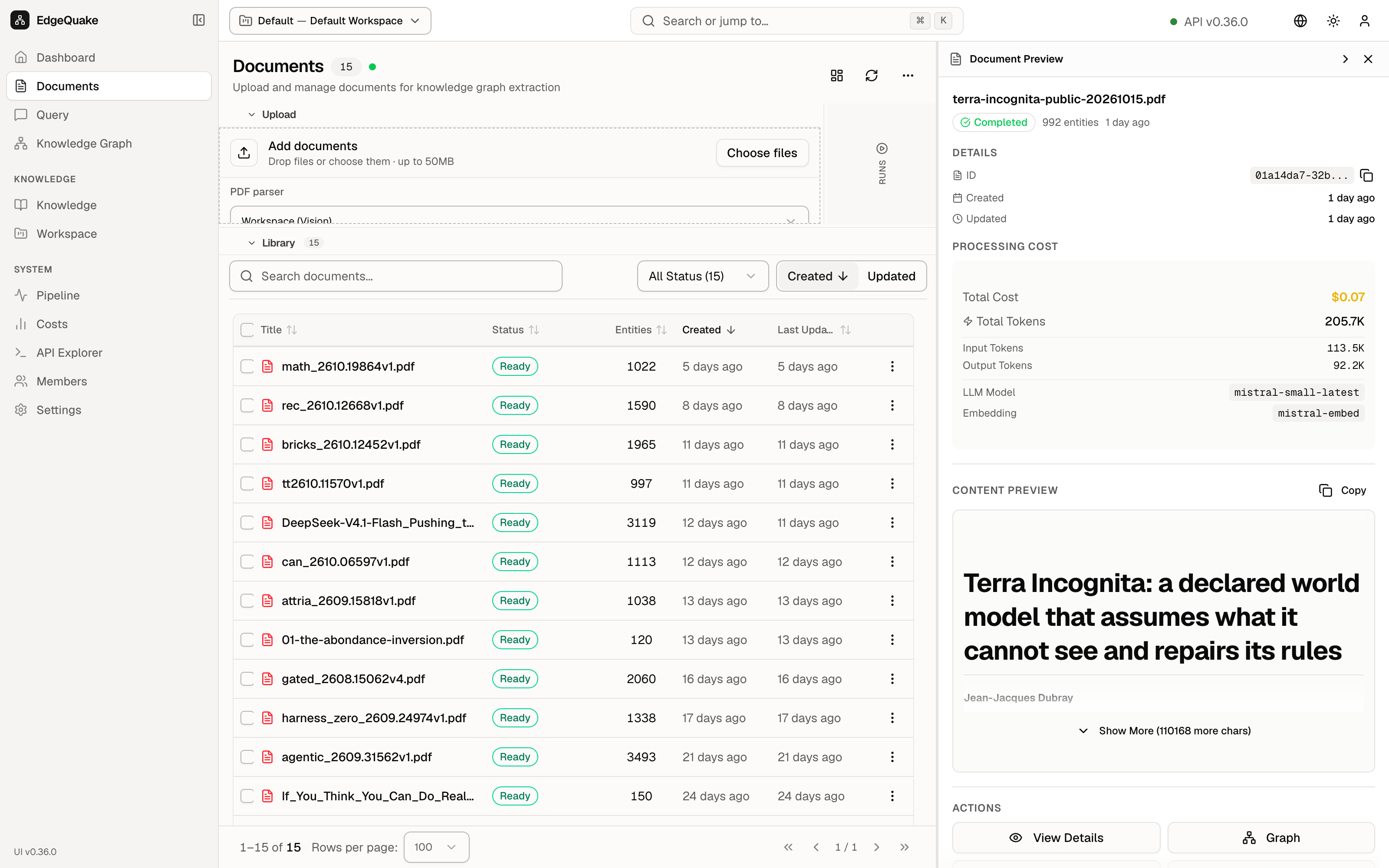 5. One documentPreview, extracted text, and where each fact came from.
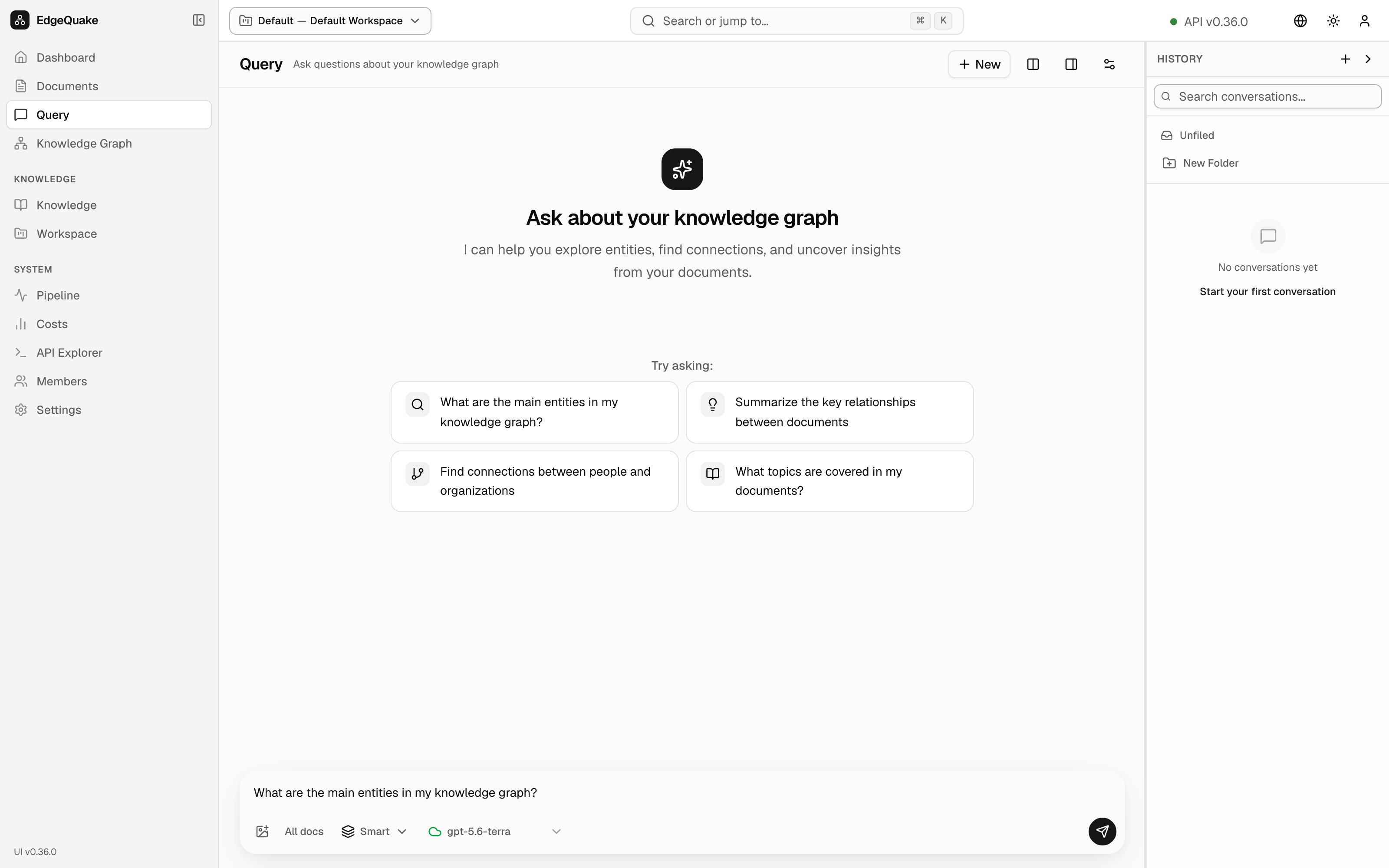 6. Ask a questionThe question box, six search modes, and answers with sources.
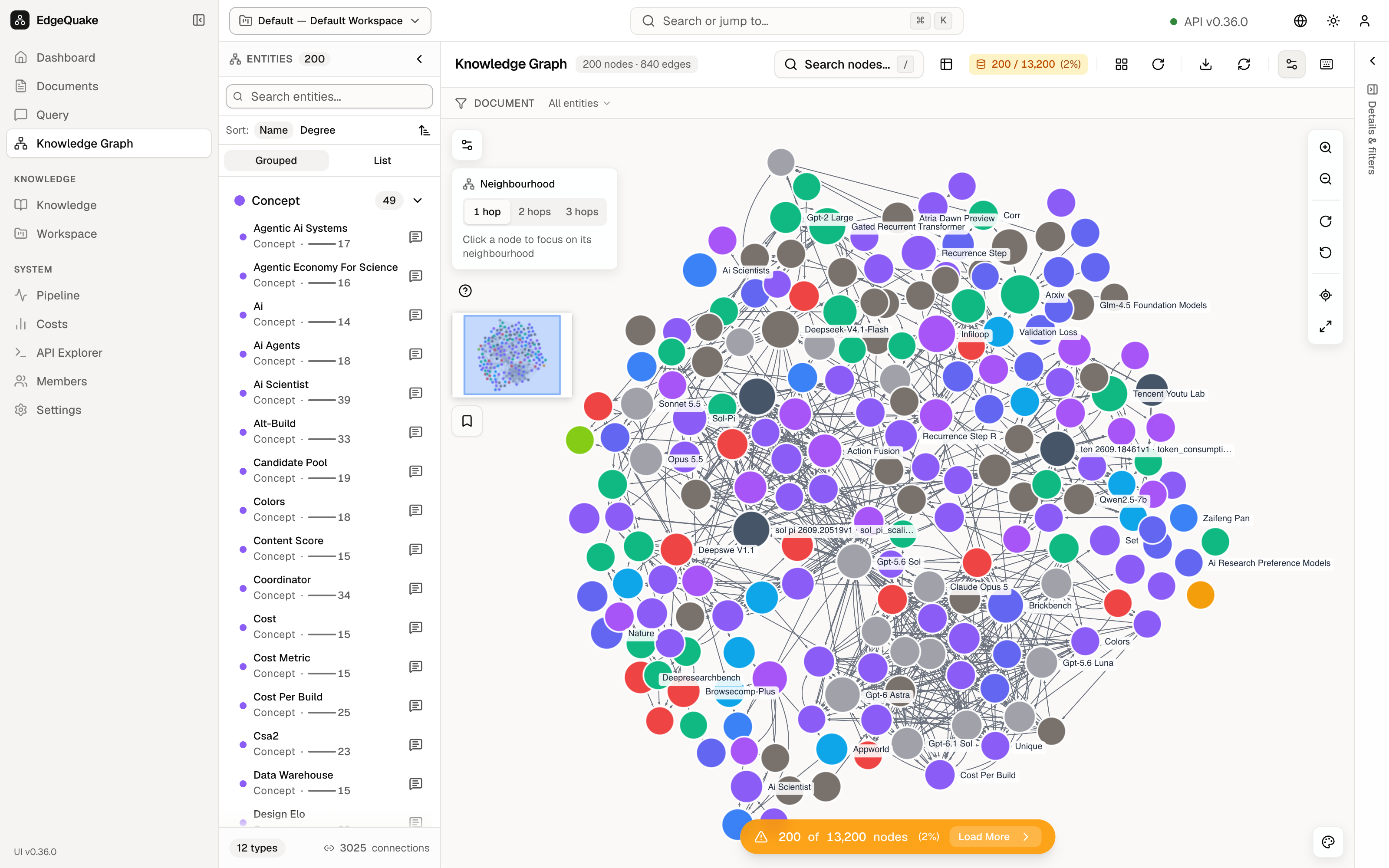 7. The mapThe knowledge graph, and what you see when you pick one dot.
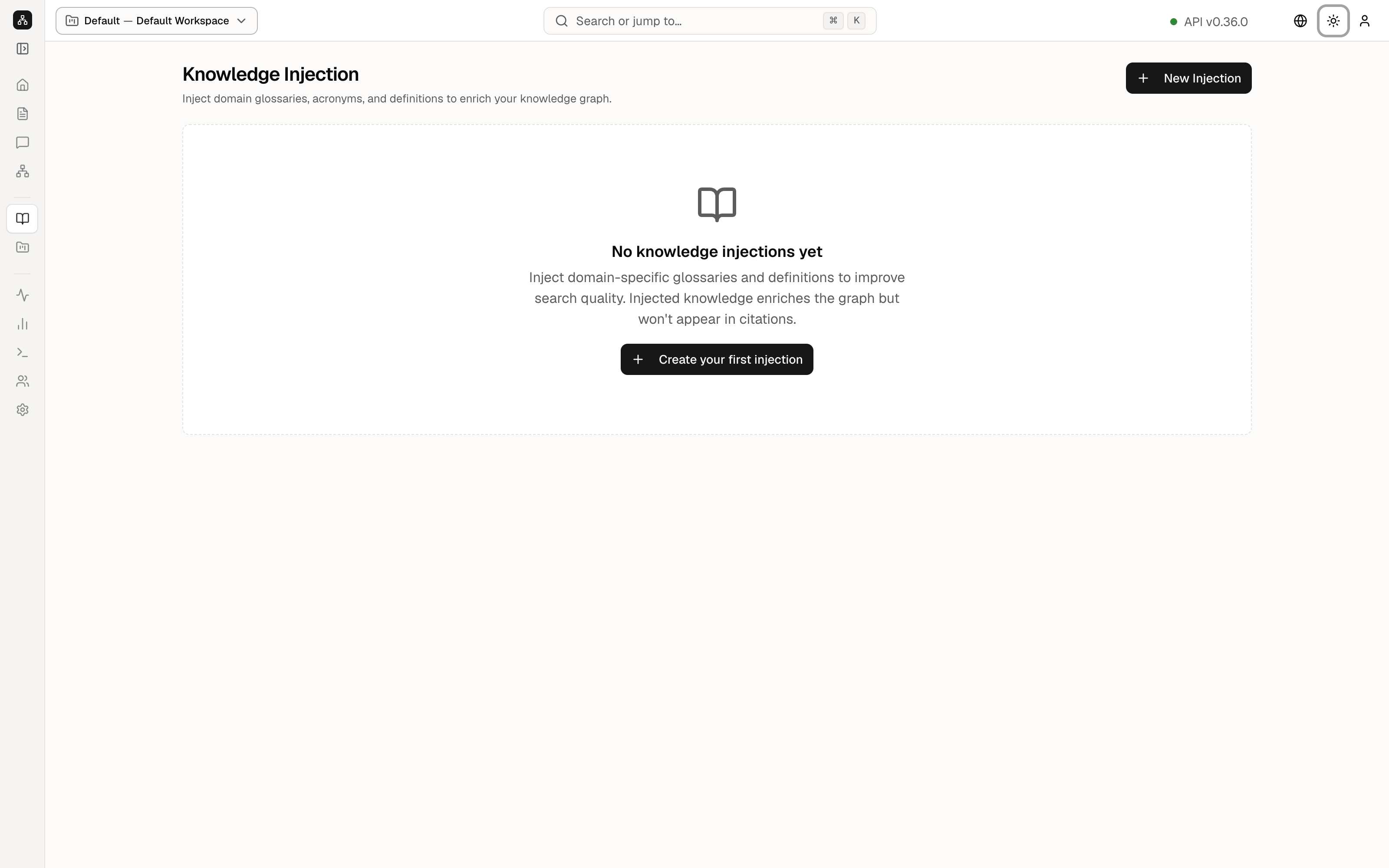 8. Extra knowledgeGlossaries you add by hand.
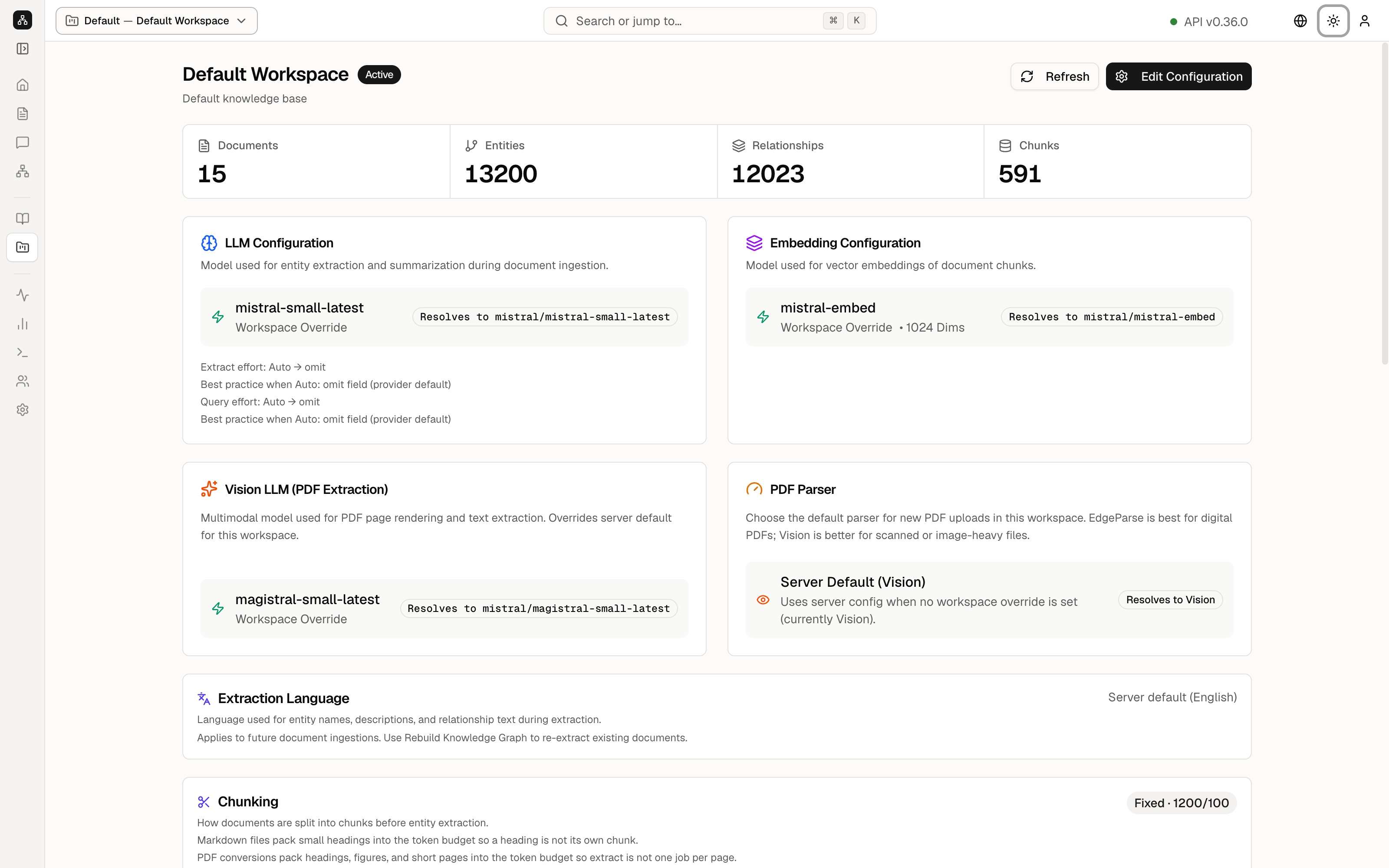 9. WorkspacesWhich model reads the files, and rebuild or delete.
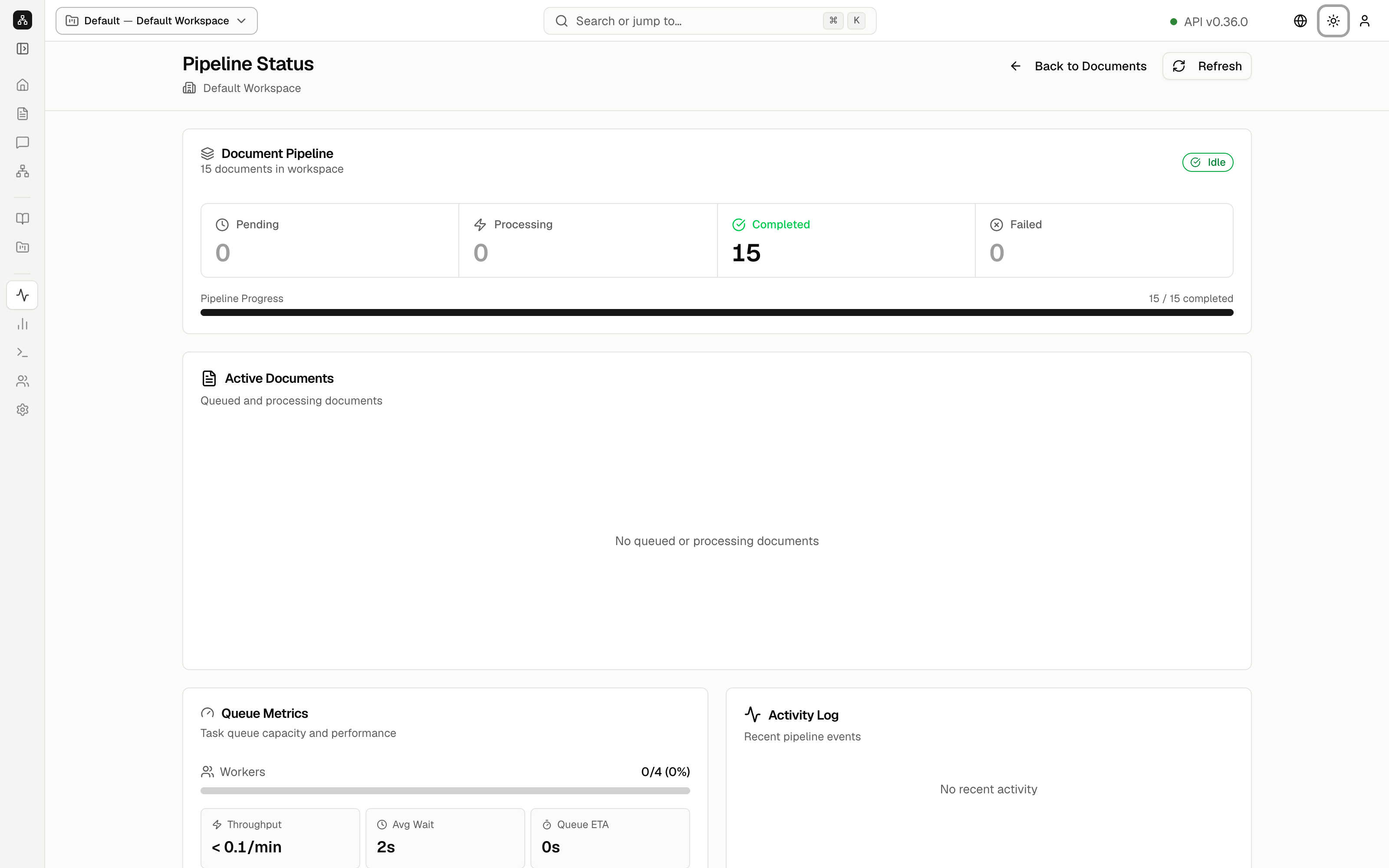 10. PipelineThe queue that turns files into the map.
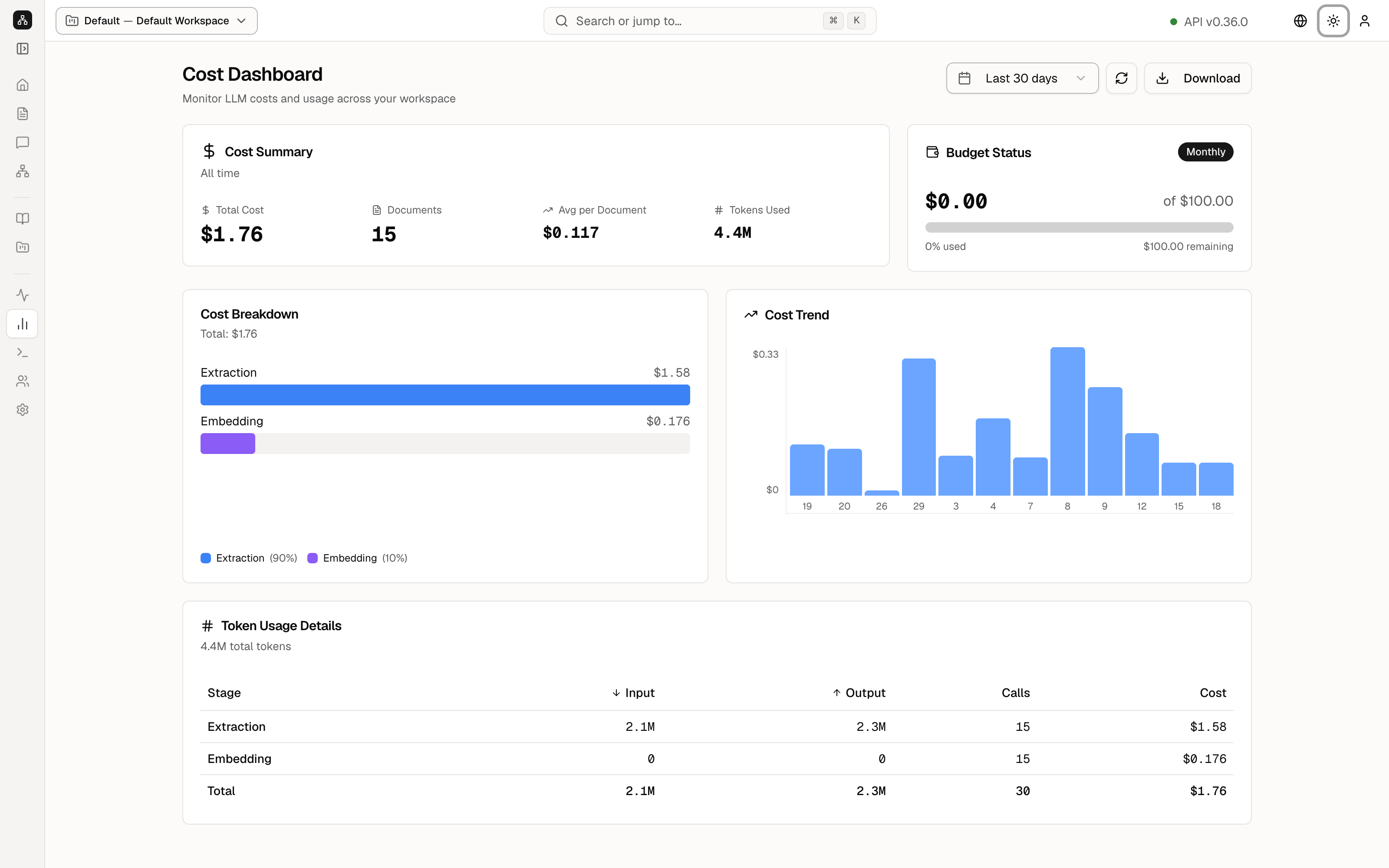 11. CostsWhat the model calls have cost.
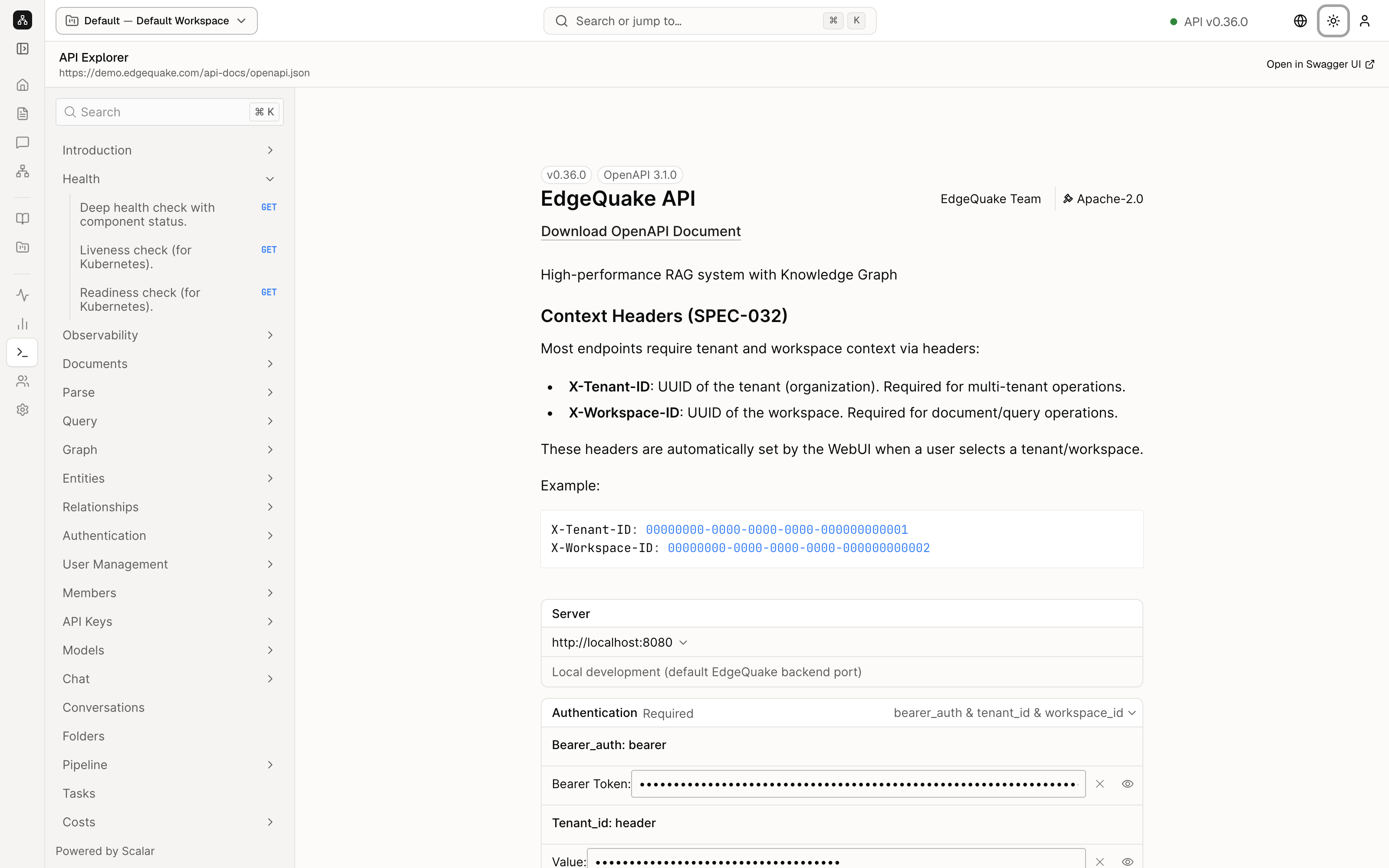 12. API ExplorerThe same product, as web requests a program can send.
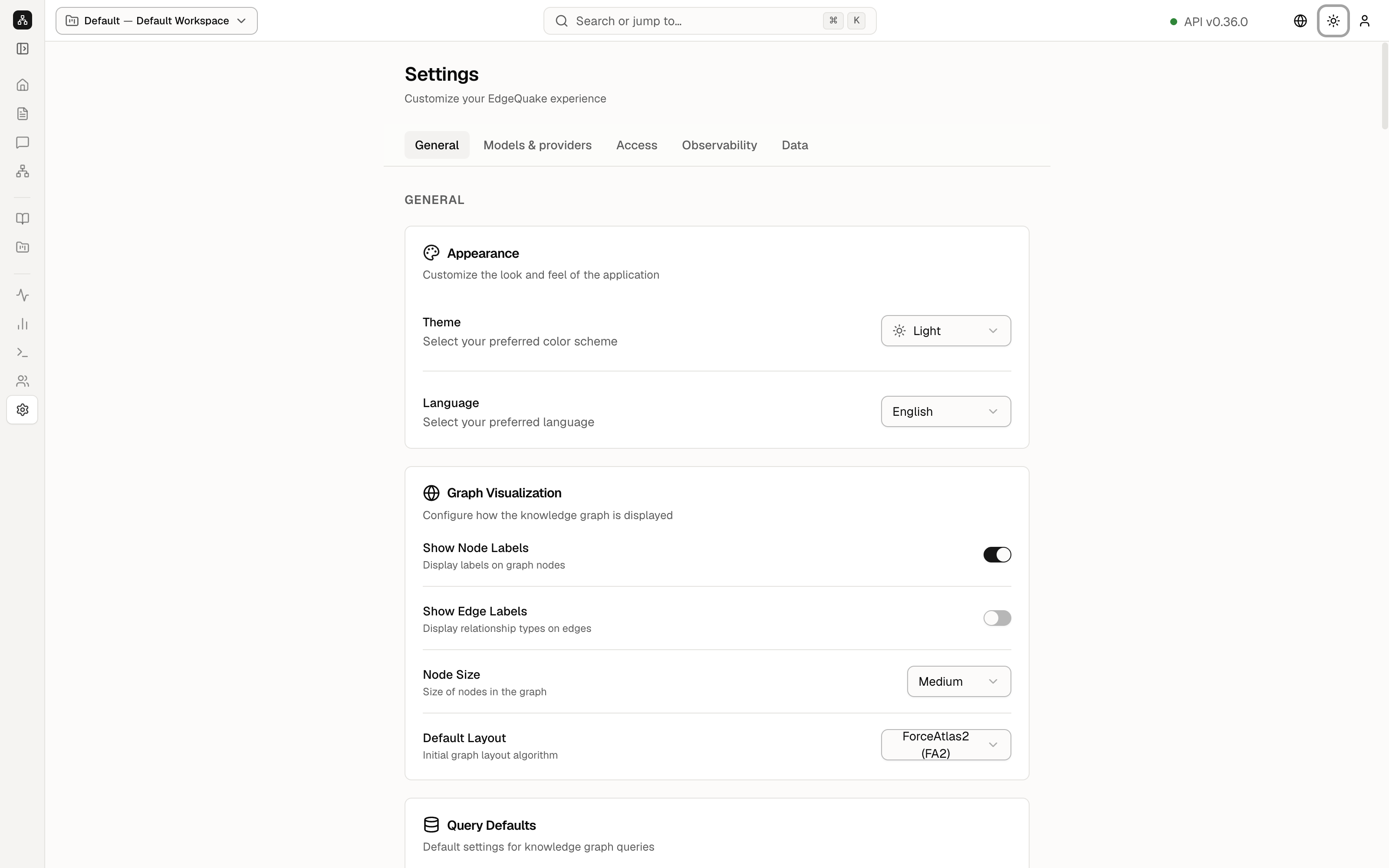 13. SettingsTheme, language, connections, and how answers behave.
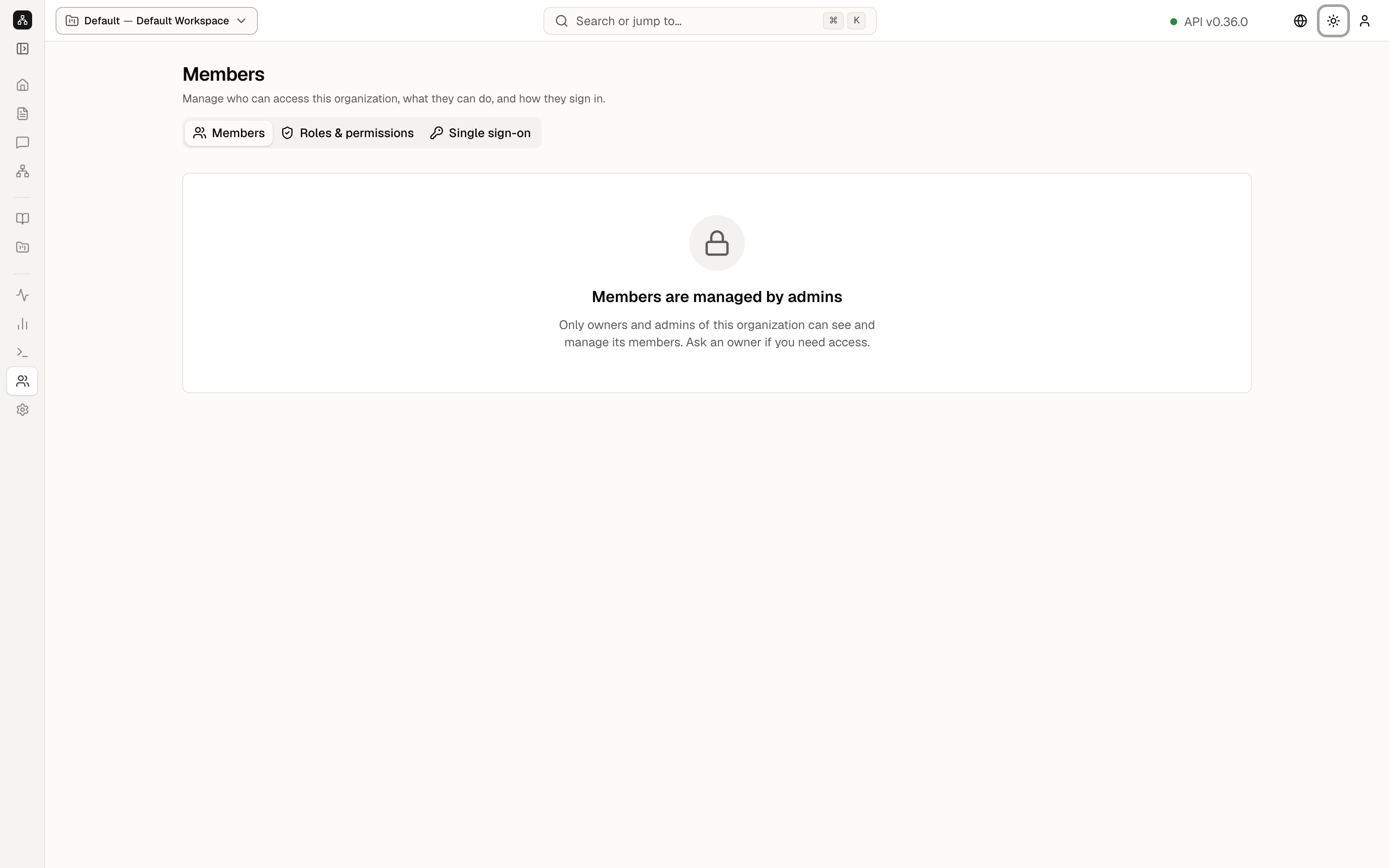 14. Members and invitesInvite teammates, manage roles, and issue one-time sign-in links.