Contents · Previous: Documents · Next: Ask a question
One document
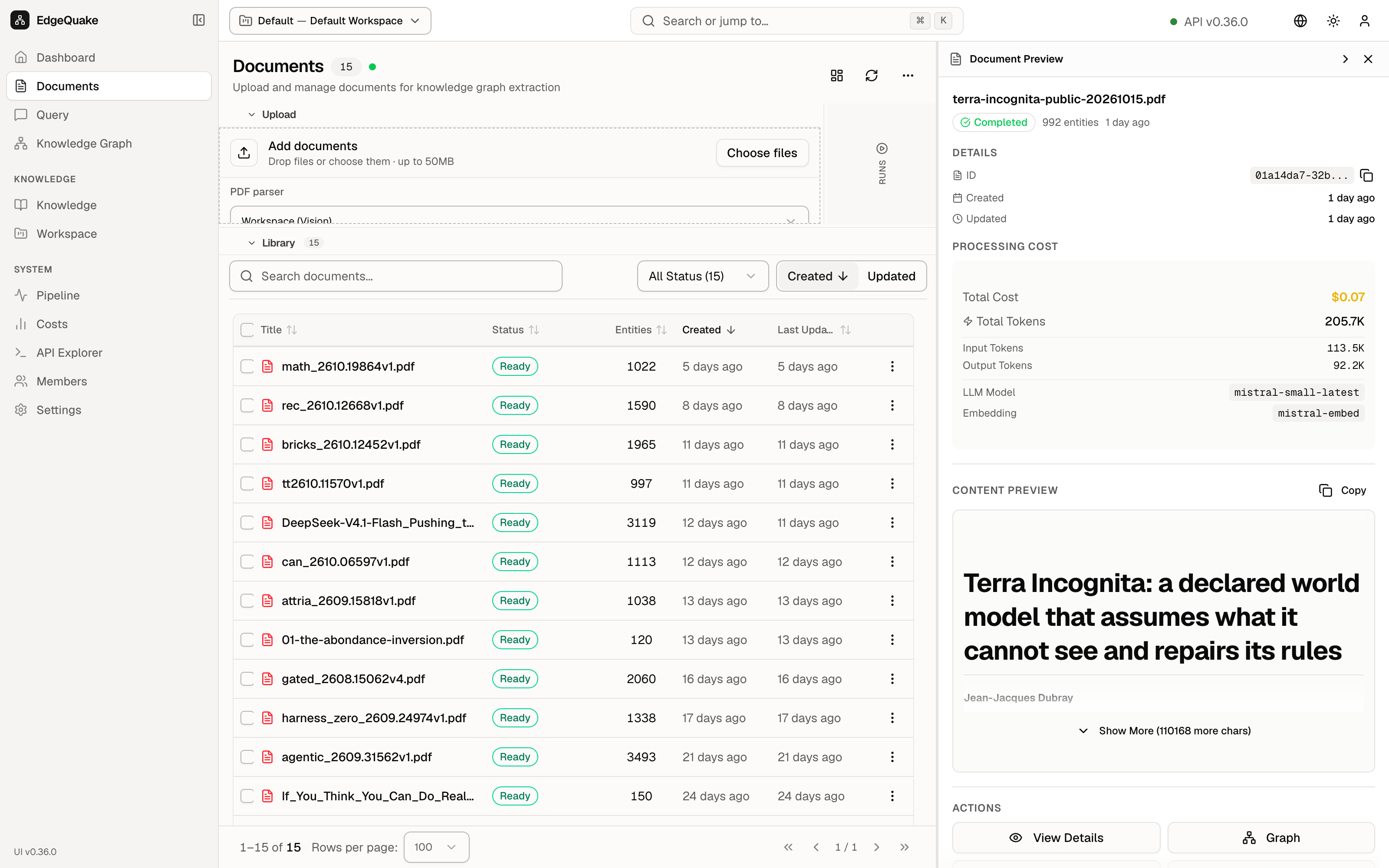
A document has two views. A short preview sits beside the list. The full page shows the extracted text, the counts, and the steps that produced them.
The preview
Click a row once on Documents. A panel named Document Preview opens on the right. You can close it with the ×.
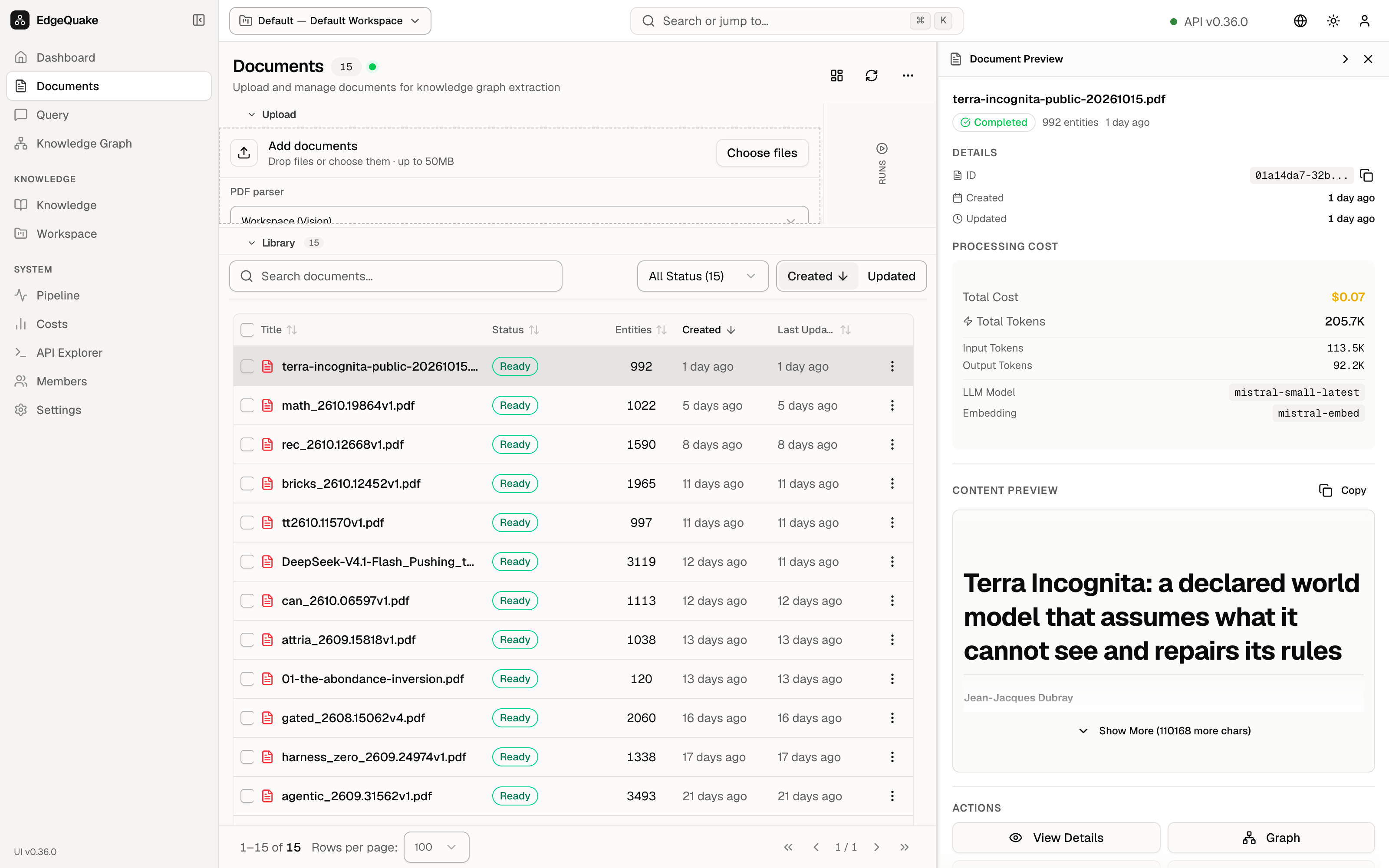
For terra-incognita-public-20261015.pdf the panel shows:
- A green Completed pill, 992 entities, and 1 day ago.
- Details: an ID you can copy, plus Created and Updated.
- Processing cost: Total Cost $0.07, Total Tokens 205.7K, split into Input Tokens 113.5K and Output Tokens 92.2K, the LLM Model
mistral-small-latest, and the Embedding modelmistral-embed. - Content preview of the paper title and author, with View Details and Graph at the bottom.
This is a glance. The full page is where you read the file.
The full page
Click View Details in the preview (or open the document URL). The address changes to a page for that one document. The list view with the same preview open is shown below; the reader layout is the same pattern on every file.
The toolbar on the document page has:
- A download icon, which saves the file.
- Ask, which opens Query with this file in mind.
- Reprocess specific pages, which sends chosen pages through reading again.
- Reprocess, which sends the whole file through again.
Use those reprocess buttons only on a collection you own. They spend model calls and rewrite the map for this file.
The reader
The middle is the text the software extracted. Page controls sit above the text:
- Page arrows move between pages.
- The magnifying glasses and zoom percentage zoom in and out.
- Layout changes the arrangement.
- Extracted Markdown is the text you are looking at. Markdown is the simple text format the reader uses, with headings and pictures.
- None, PDF → MD, and MD → PDF choose what you compare. PDF → MD is the useful one: the original page on one side and the extracted text on the other.
The details column
Details on the right has tiles for Chunks, Entities, Relations, and how long processing took. Extraction Lineage is the path from the file to the map: upload, PDF → Markdown (Vision), content extraction, entity extraction, and relationship mapping. If a step had failed, this column is where you would see it.
Keep going
Next: Ask a question. To see this file’s entities as dots, open the map and search for a name you saw in the text.