Contents · Previous: One document · Next: The map
Ask a question
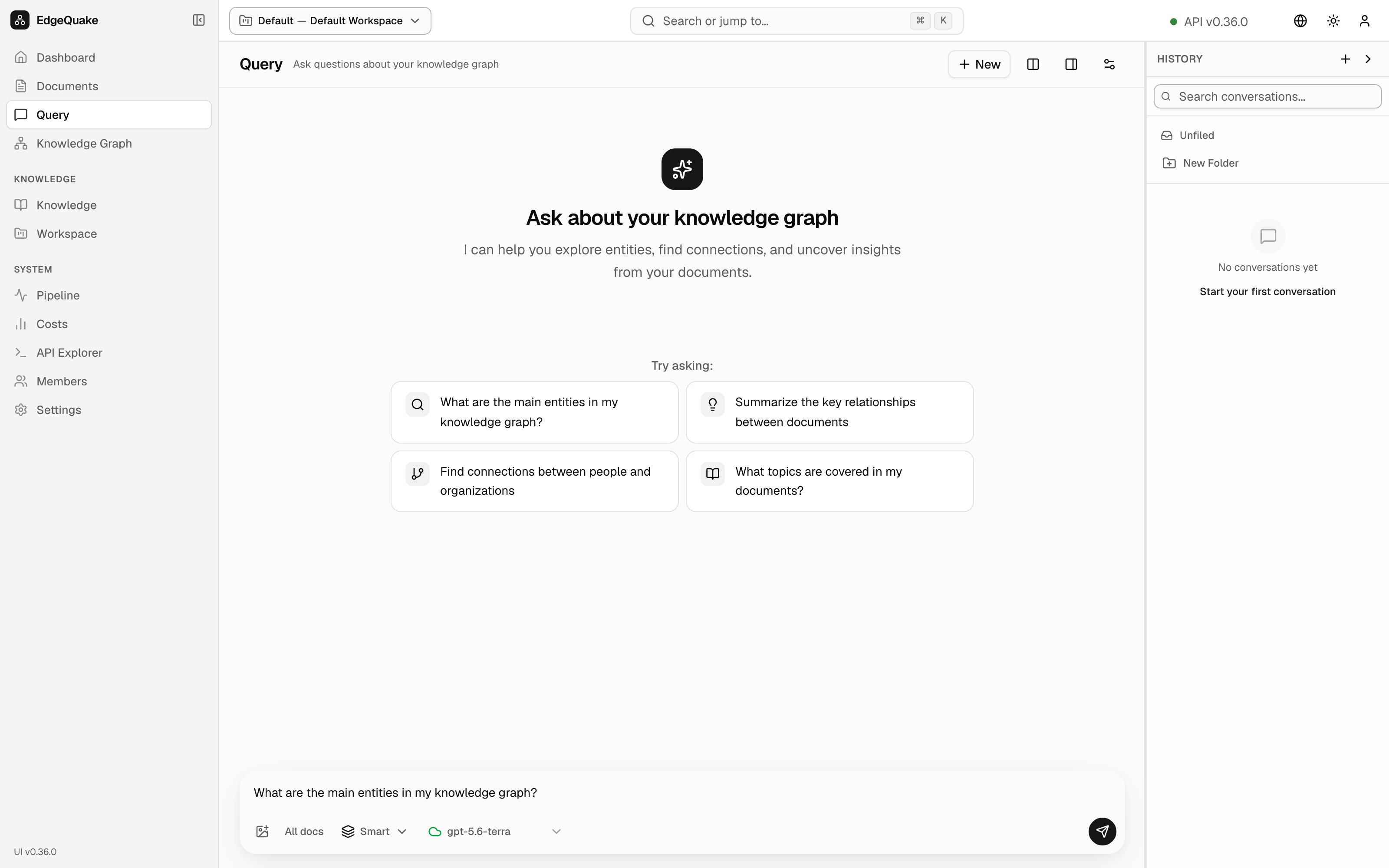
Query is the chat. You type a question. EdgeQuake looks through the workspace and answers with notes that point back at the files.
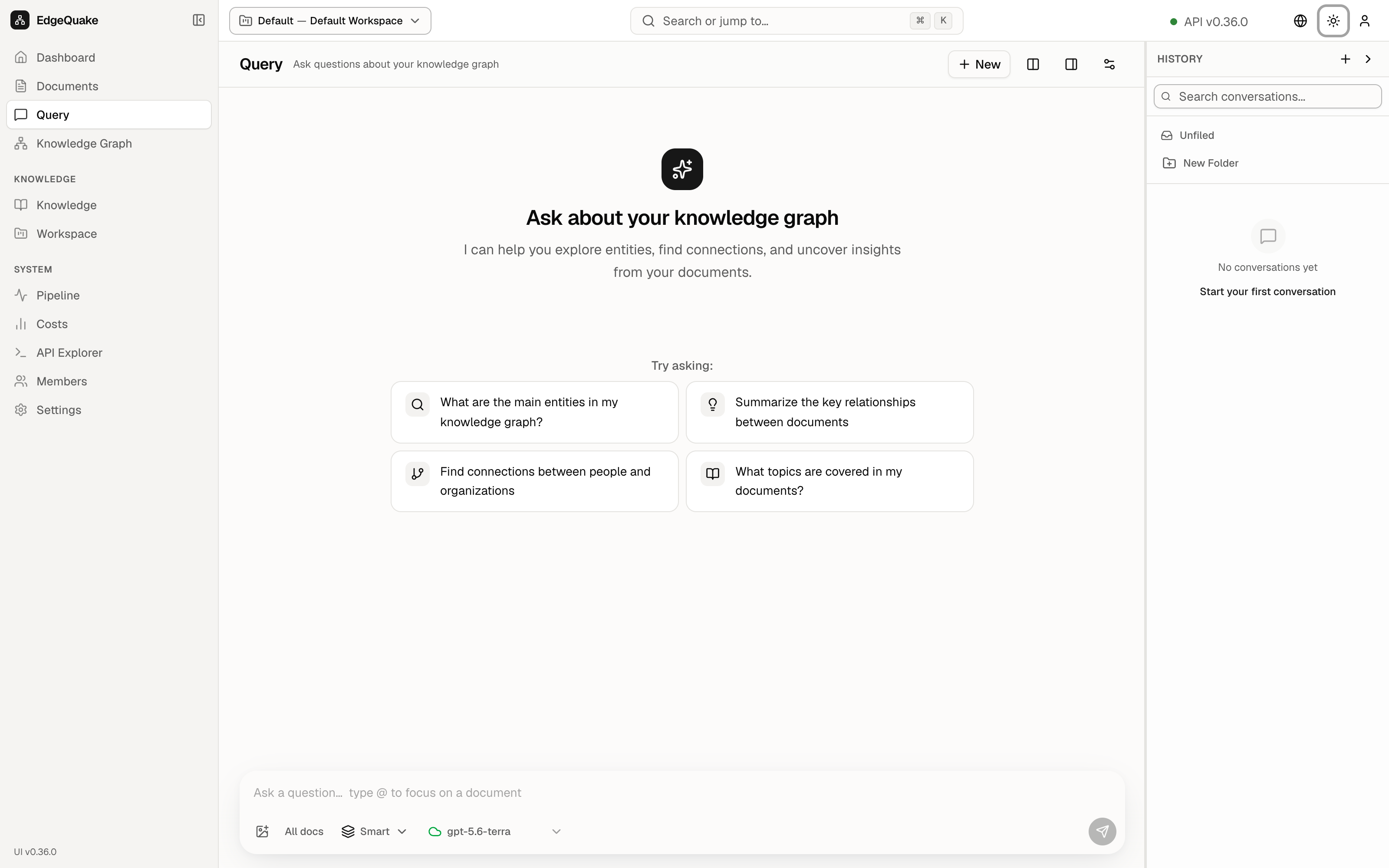
The heading is Query, with the subtitle Ask questions about your knowledge graph.
New starts a blank conversation. The icon buttons beside it show the map next to the chat, show or hide the History list, and open extra settings for this question (how many sources to keep, and whether the answer streams in as it is written).
The empty page
Before you ask anything, the page offers four examples:
- What are the main entities in my knowledge graph?
- Summarize the key relationships between documents
- Find connections between people and organizations
- What topics are covered in my documents?
Click one and it is sent as your question.
The question box
The box at the bottom says Ask a question… type @ to focus on a document.
- Type a question and press Enter to send. Shift+Enter adds a line without sending.
- Type @ to limit the question to one file, so the answer does not wander across the whole library.
- All docs means every file in the workspace is allowed. Click it to pick a smaller set.
- Smart is the way the search runs. Open it to see the other five. The next section lists them.
- gpt-5.6-terra is the model that will write the answer. Click it to pick another model this workspace is allowed to use.
- The paper-plane button sends the question.
The six ways to search
Click Smart and a menu titled Retrieval mode opens. Each row is a way of looking things up. The short name is what you click. The words in parentheses are the name a program sends to the server. You only need the short name.
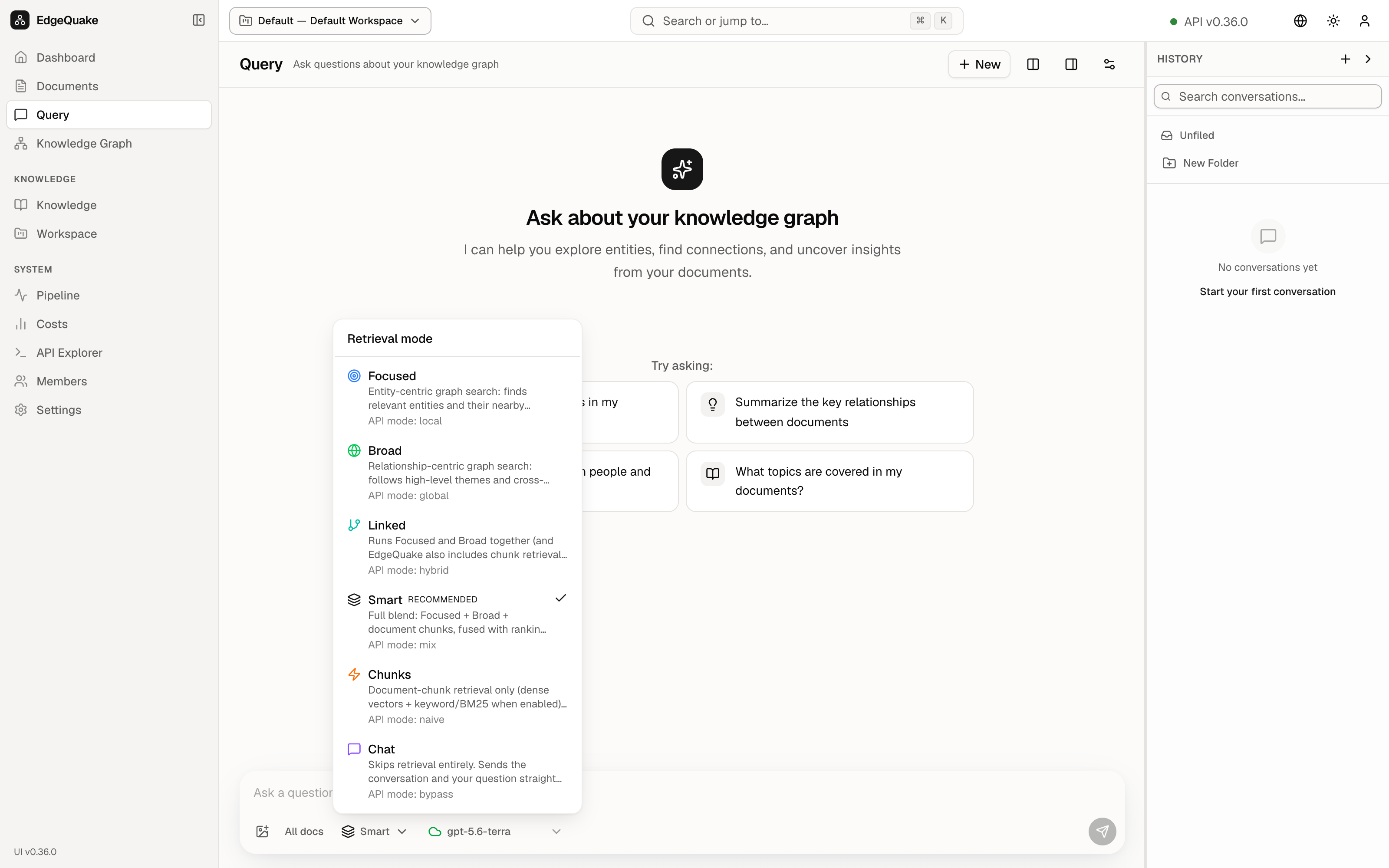
- Focused (
local). Looks up one entity and the lines and chunks next to it. Use it when you already know the name: a person, a product, a paper. - Broad (
global). Follows themes that run across files. Use it for “how do these documents connect?” - Linked (
hybrid). Runs Focused and Broad together, and also looks at chunks, then merges what it found. - Smart (
mix). Recommended, and the one with the checkmark. Runs Focused, Broad, and chunk search at the same time, then ranks them into one pile. This is the right default for most questions. - Chunks (
naive). Looks only at the pieces of the files, using similarity and keywords. It does not walk the map. Use it when you want a sentence or a number copied from a page. - Chat (
bypass). Does not look anything up. The question goes straight to the model. Use it for a general question that should ignore your files.
Close the menu with Escape. Smart is already selected on the demo.
History
History on the right is every conversation in this workspace. Search conversations… filters the titles. Unfiled is the folder that holds conversations you have not filed. New Folder makes a folder. The list is grouped into Today, Yesterday, and Previous 7 days. Each row is a title and a time, such as Main Entities in Knowledge Graph.
Click a row to read that conversation again. That does not send a new question.
An answer
This is an existing conversation, opened from History. The question was What are the main entities in my knowledge graph?
Read it from the top of the conversation (scroll up if you land in the middle):
- Your question is the first bubble.
- The answer is the long text under it. Names in the answer are links into the files. A chip such as
DeepSeek-V4.1-Flash_...pdfplus a page number is one of those links. Click it to open that place in the document. - Summary is the short version at the end of the answer.
- Sources under the summary are numbered chips, [1] [2] [3] [4] and +5 more. Each chip is a file or a passage the answer used.
- The line 9 Sources · 0 Topics counts what was attached. Strong (100%) is a rough grade of how well the answer stayed on those sources. It is a hint, not a proof.
- The small icons under the answer copy the text, ask the model to write it again, and share or export it.
The same question box stays at the bottom, so the next question continues this conversation. New starts over.
Keep going
Next: The map. The sources on an answer are the same entities you can click there.