Contents · Previous: Workspaces · Next: Costs
Pipeline
Pipeline is the work queue. When you add a file on Documents, this page is where you watch it move from waiting, to being read, to finished.
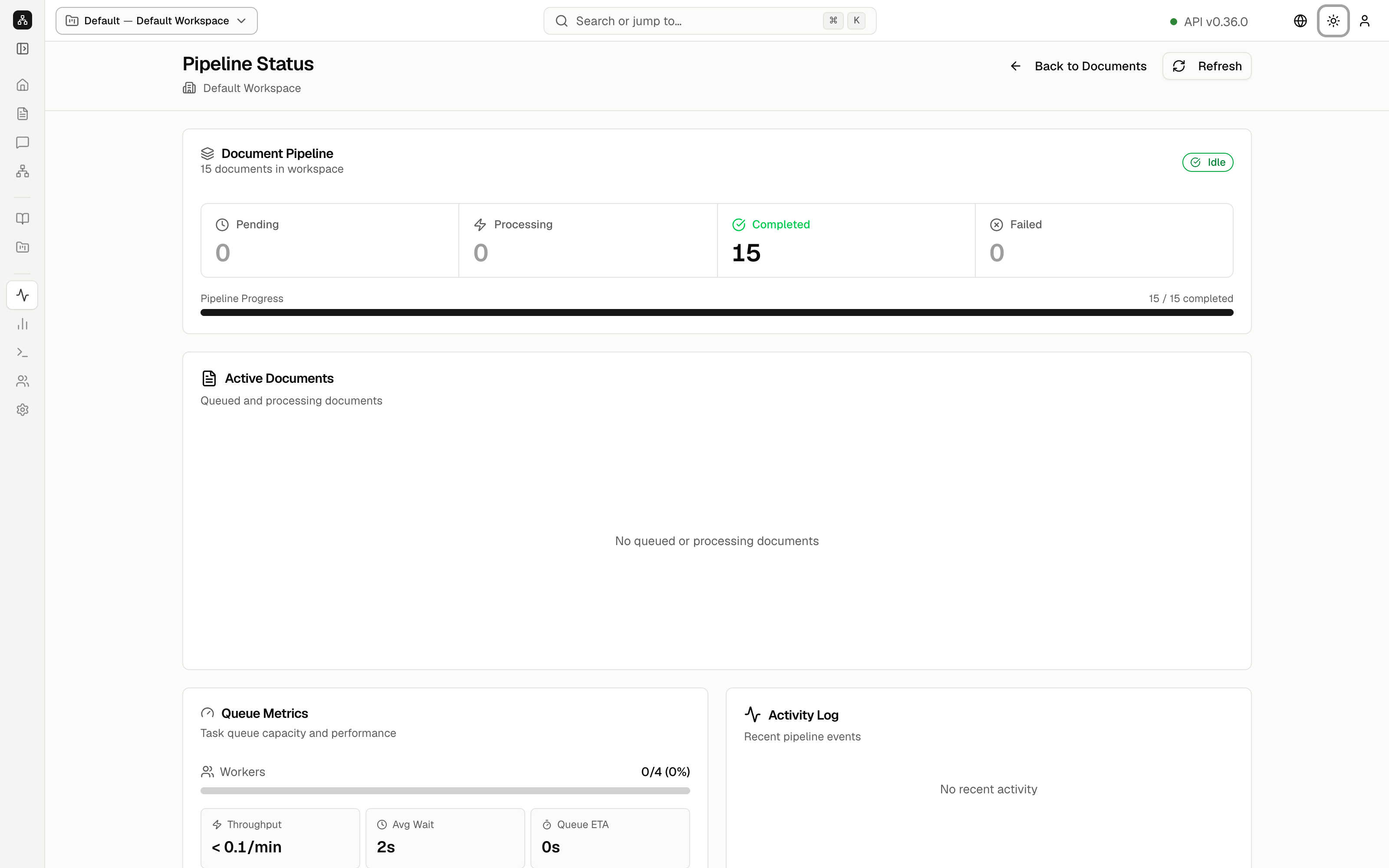
On the day of the picture every file was already finished, so the page is quiet. That is the normal look of a healthy workspace.
The title is Pipeline Status, with Default Workspace under it. Back to Documents returns to the library. Refresh reloads the counts.
Document pipeline
The card Document Pipeline says 15 documents in workspace and a green Idle pill. Idle means nothing is running.
Four tiles:
- Pending 0 — files waiting for a turn.
- Processing 0 — files being read right now.
- Completed 15 — files that finished. This tile is green.
- Failed 0 — files that stopped with an error. If this number is not zero, open the file from Documents and read the lineage column.
Pipeline Progress is the bar under the tiles: 15 / 15 completed.
The rest of the page
Chunk Progress is the finer view, one piece of a file at a time. It says No active chunk progress while the queue is idle.
Active Documents lists files that are queued or being read. It says No queued or processing documents.
Queue Metrics describes the workers that do the reading:
- Workers 0/4 (0%) — none of the four slots are busy.
- Throughput < 0.1/min — almost nothing is finishing per minute, because nothing is in flight.
- Avg Wait 2s — a typical wait before a job starts.
- Queue ETA 0s — estimated time left.
- Queue: 0 pending.
Activity Log would list recent events. It says No recent activity.
Advanced Details opens a longer technical dump. You can leave it closed.
When you upload a file on your own server, come back here and refresh until Completed matches the number of files and Failed stays at zero.
Keep going
Next: Costs. The models this queue calls are chosen on Workspaces.